Finly Screenshots

Capturas de pantalla

Here's what the app looks like on different screens.

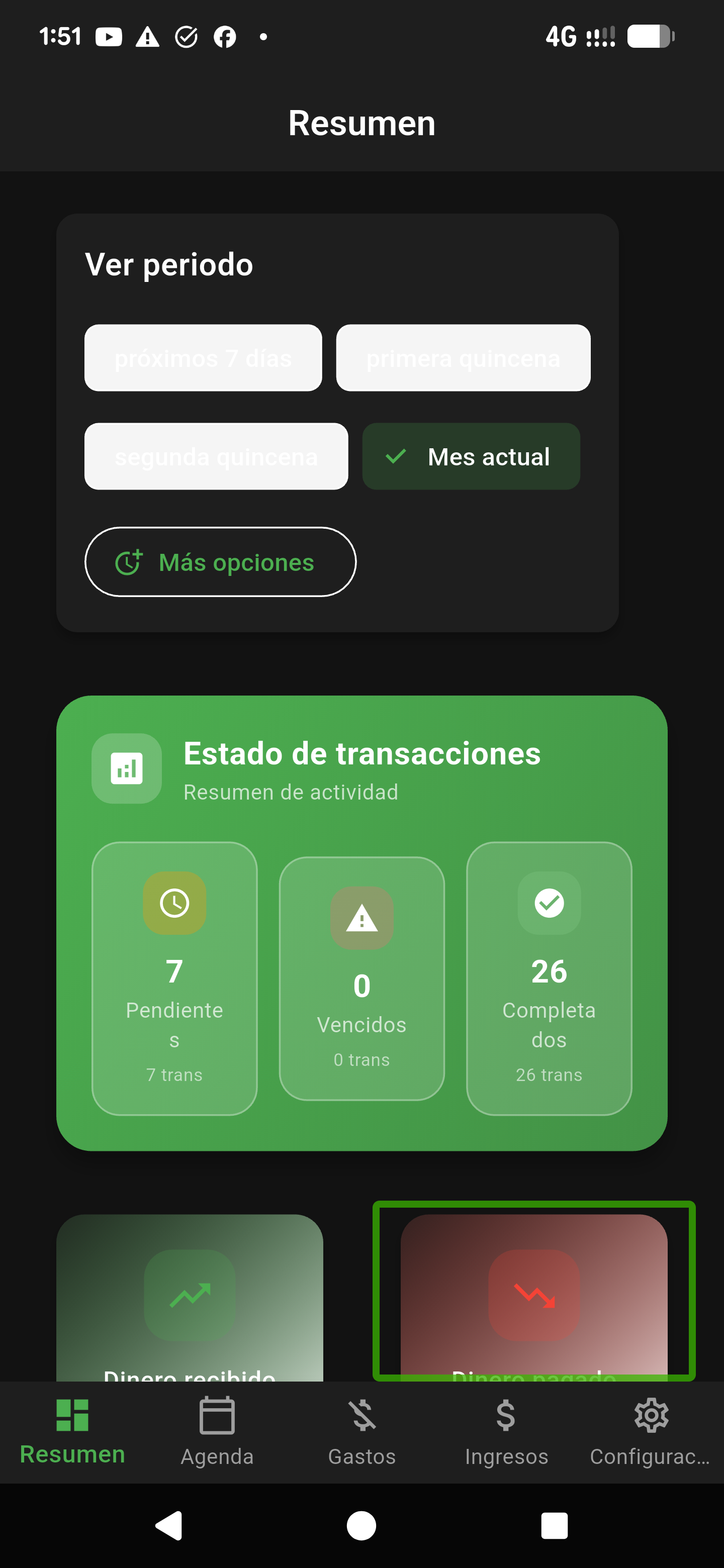
Finly Dashboard showing financial overview
Dashboard

The main screen shows your current balance and recent transactions.

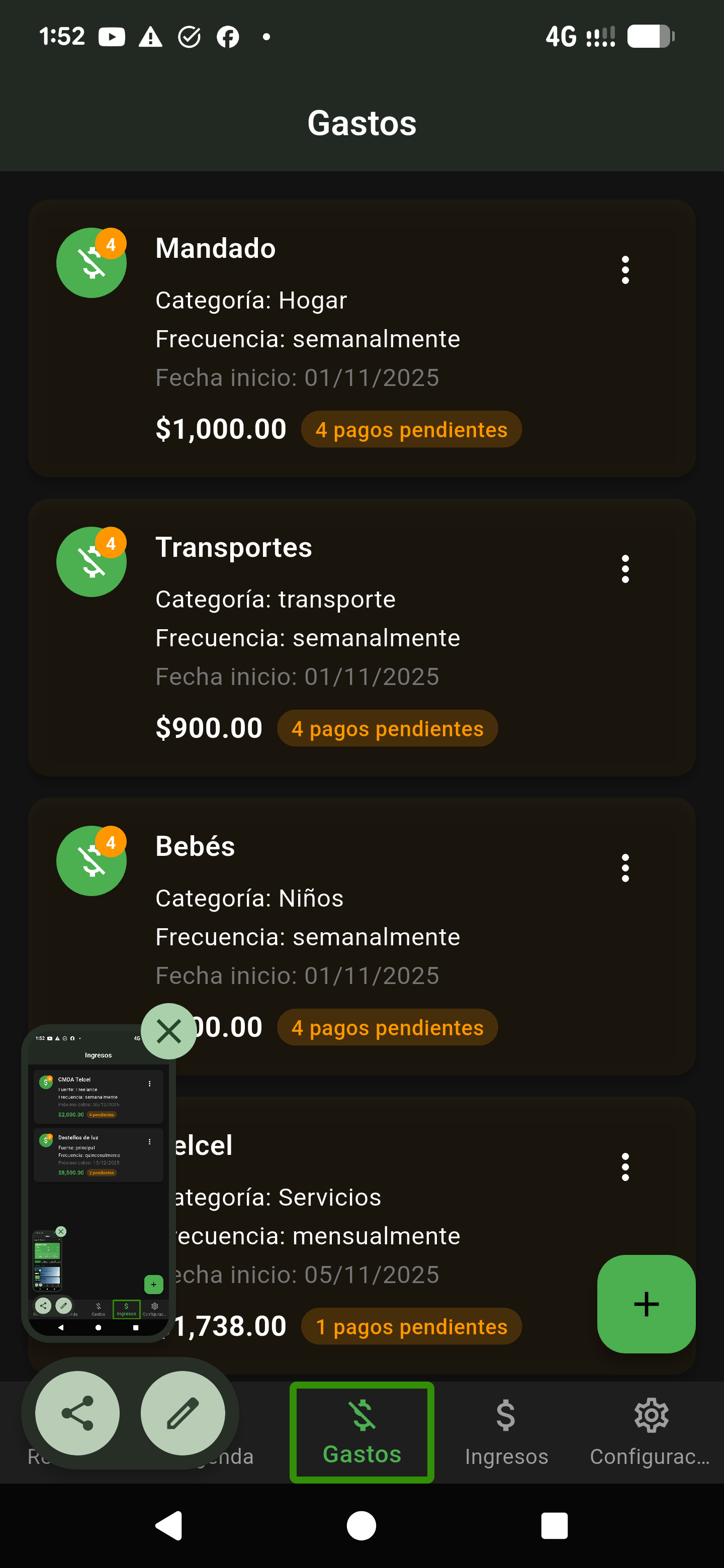
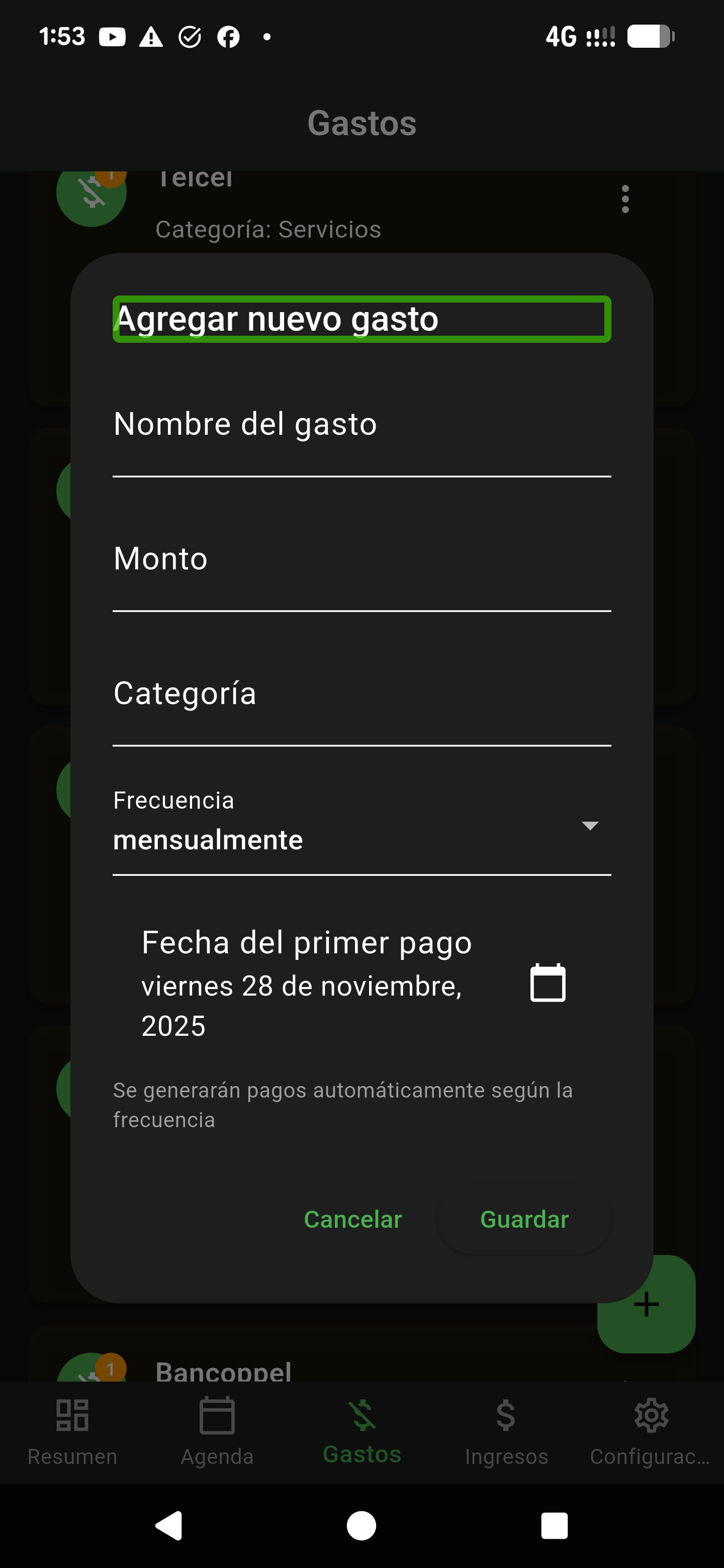
Finly Expenses tracking screen
Expenses

Add and view your expenses with scheduling options for recurring payments.

Finly Income tracking screen
Income

Record your income sources and set up recurring schedules.

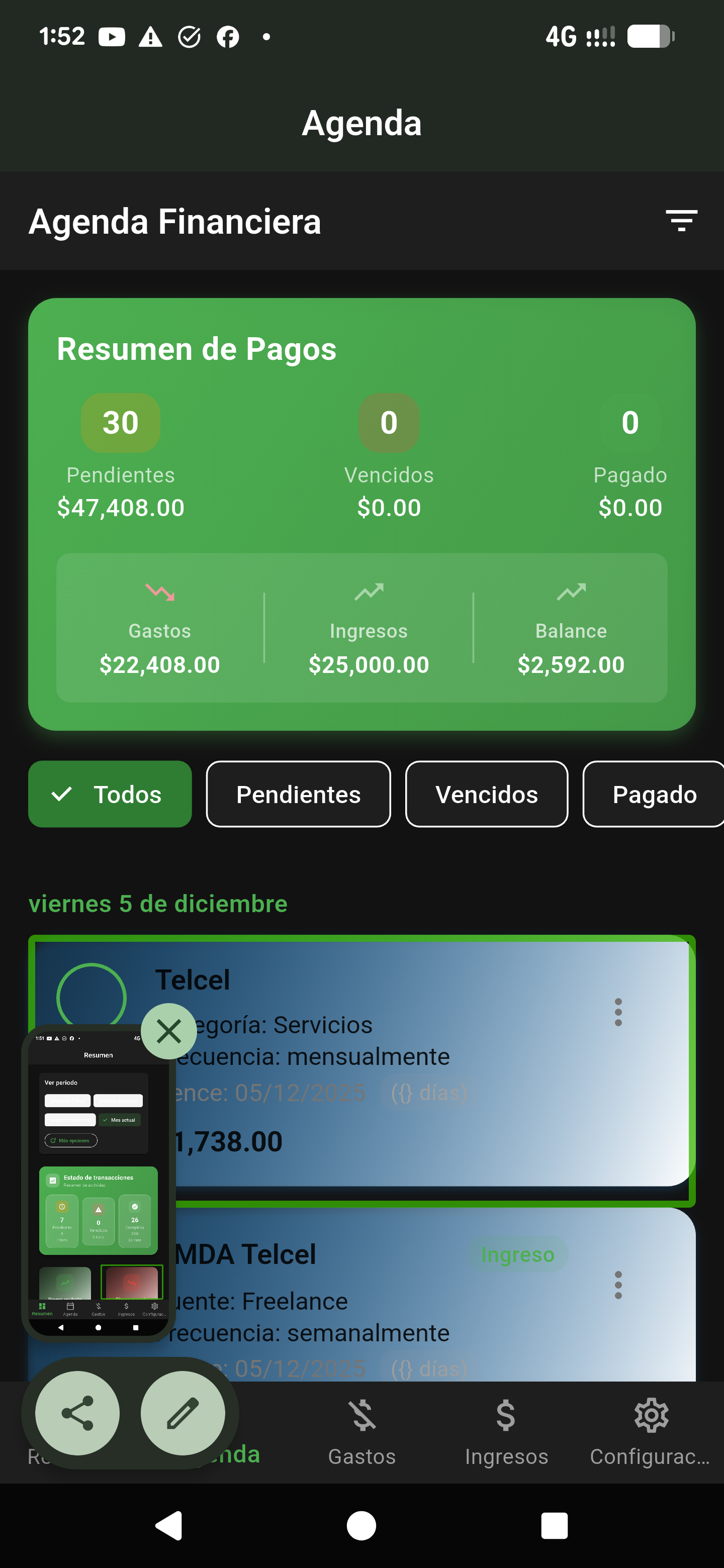
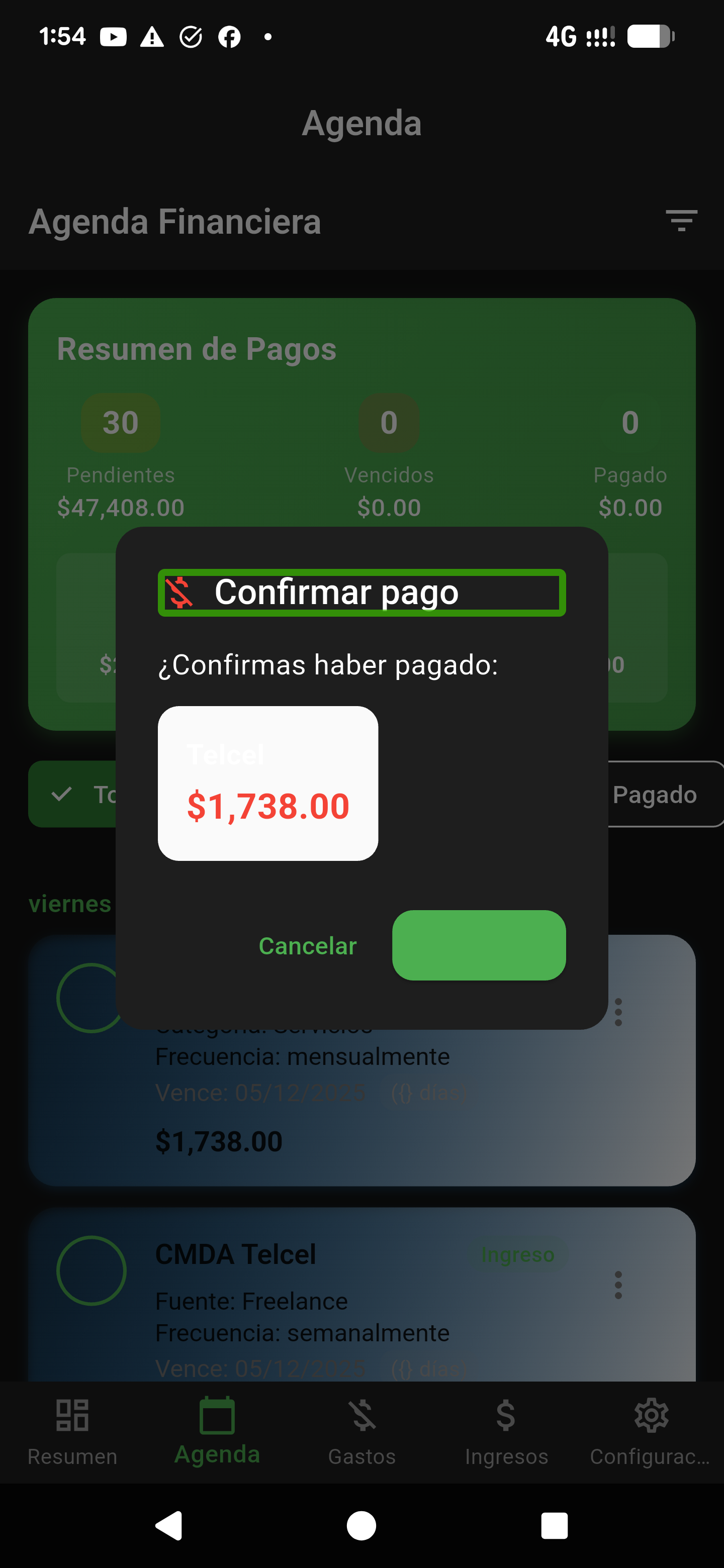
Finly Payments planner screen
Payments

See upcoming payments and mark them as paid when done.

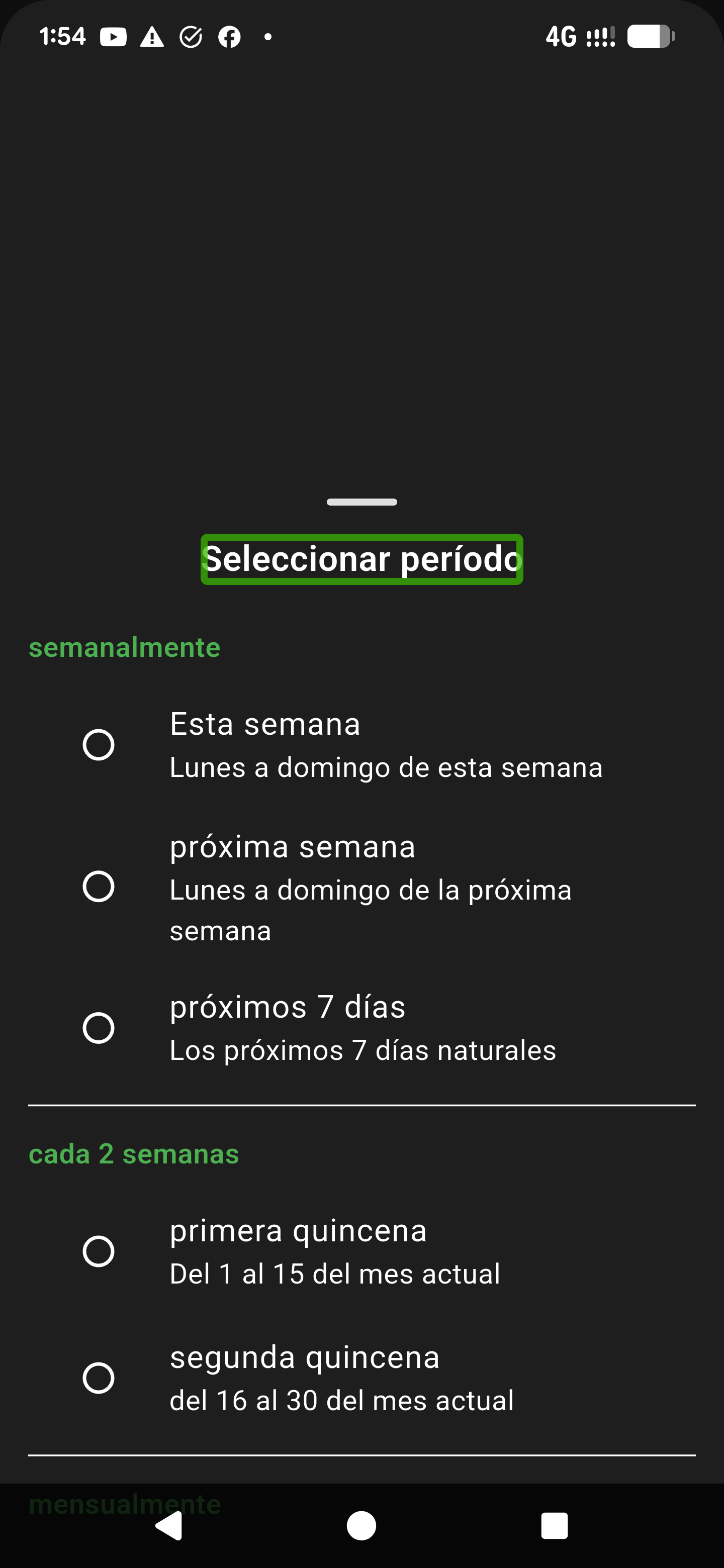
Finly Financial reports screen
Reports

View summaries of your transactions over different time periods.

Finly Settings and sync screen
Settings

Configure your profile, language, sync options, and other preferences.

Try Finly

Download the app or use the web version to get started.